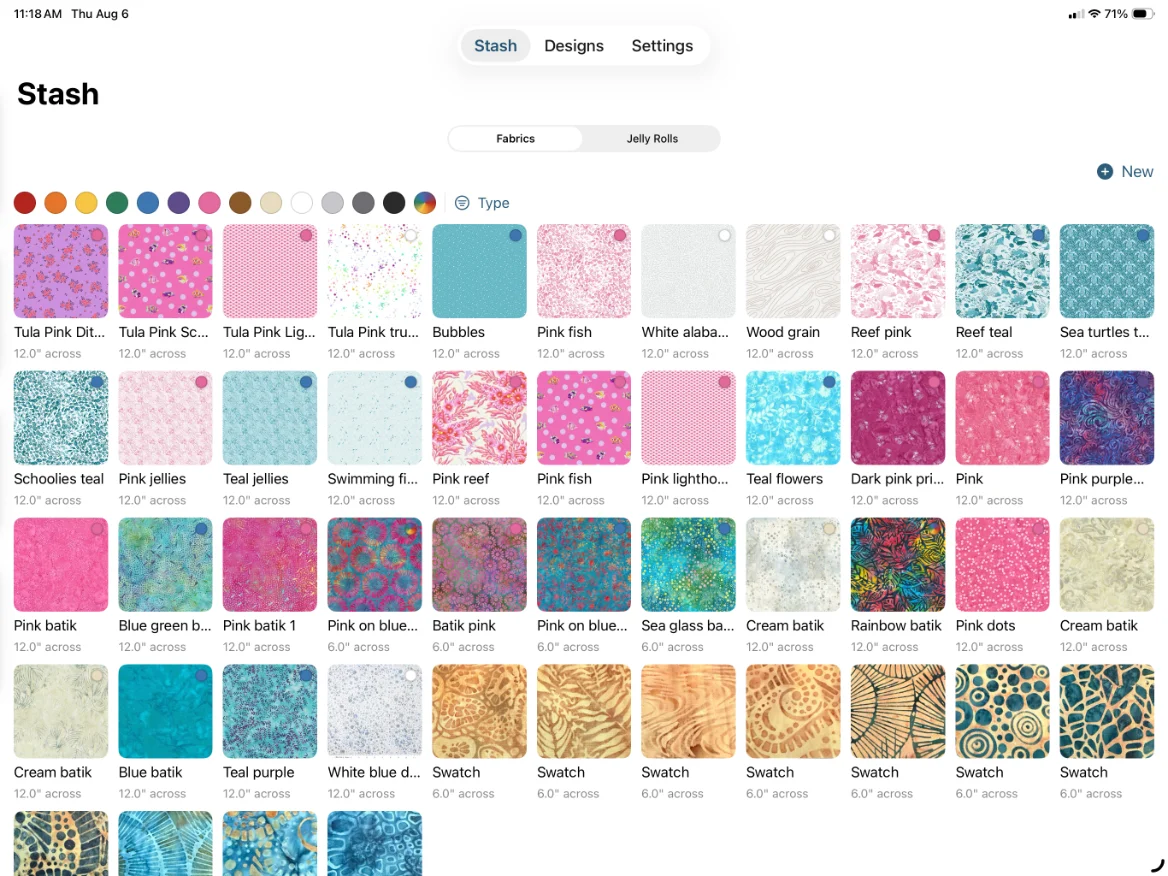
01 · Your stash goes in
Photograph it once, use it forever
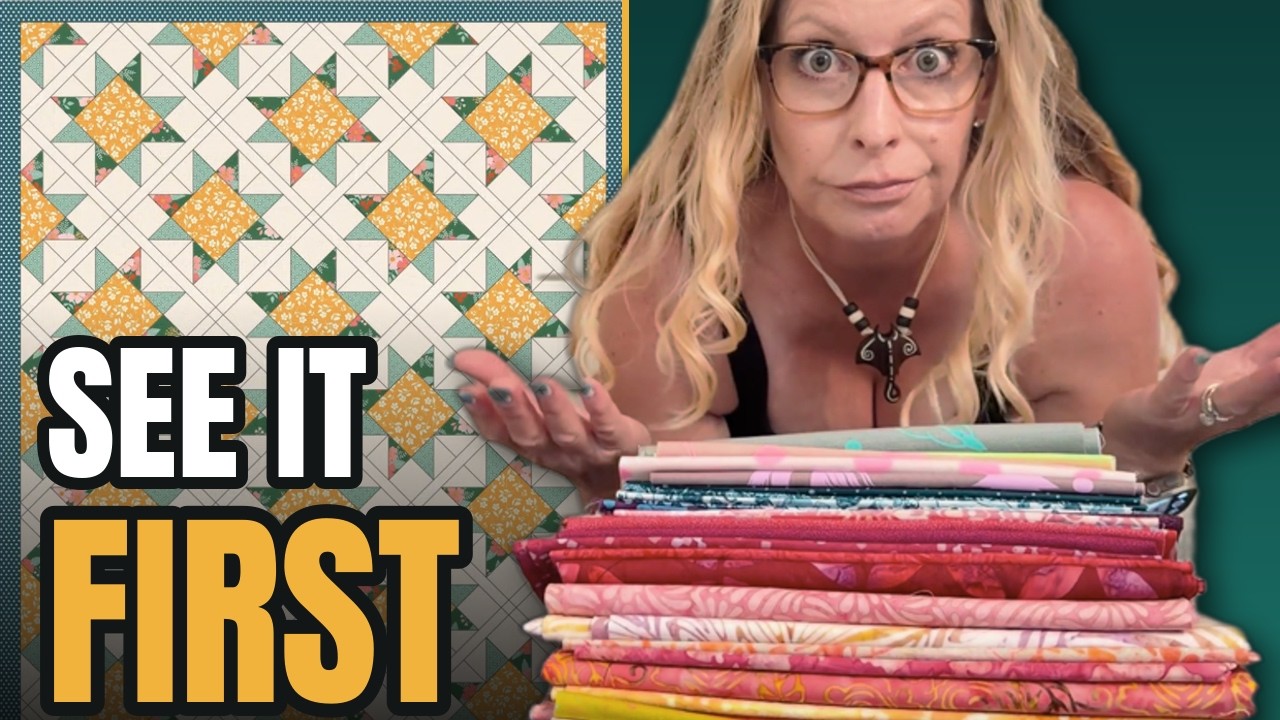
Take a photo of a fabric with the phone already in your pocket, tell TideStitch how wide the print really is, and tag it by color, material, and print style. Jelly rolls get their own shelf.
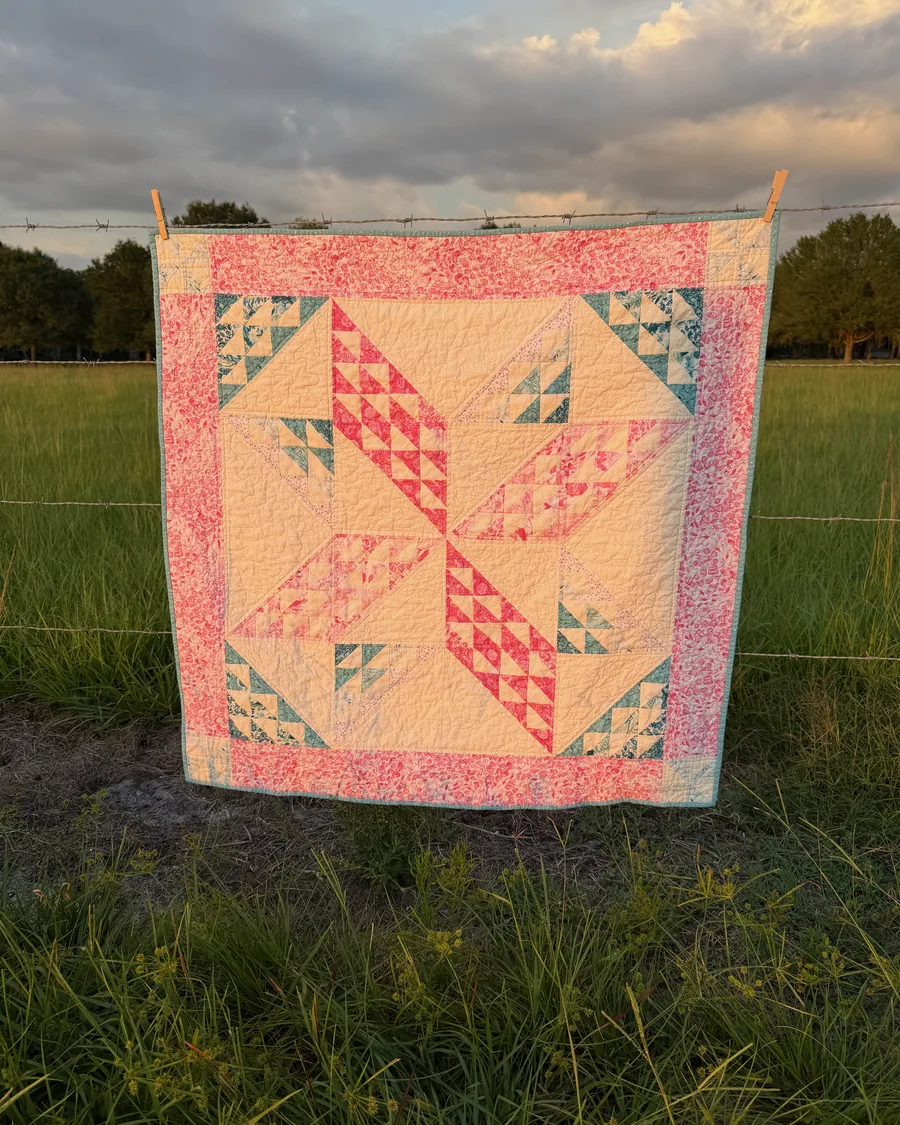
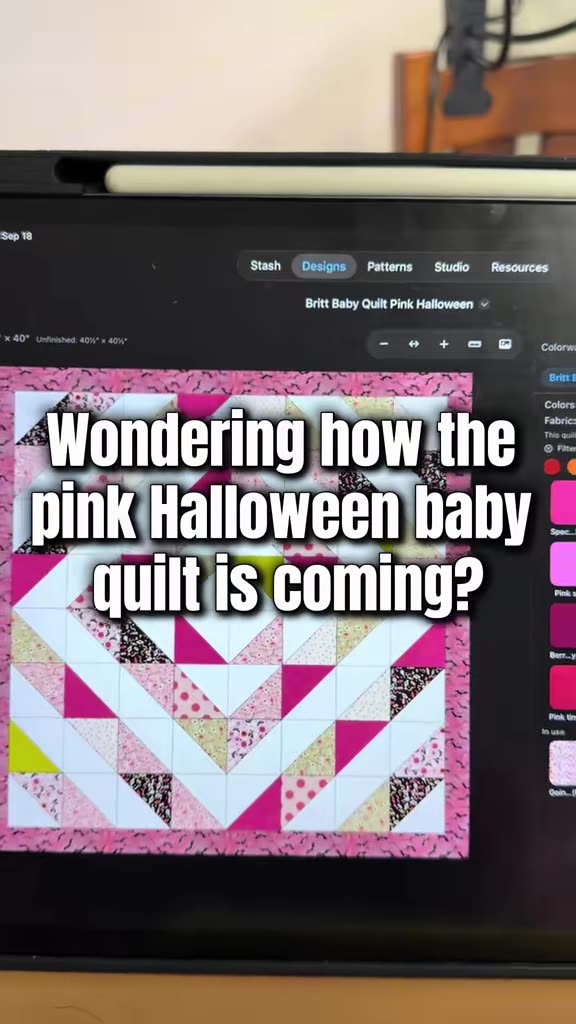
Photograph the fabric you already own, drop it into a block, and watch it tile at true scale, so a 6″ print reads like 6″. When the design is finally right, TideStitch hands you the cut list, the yardage, and the order to sew it in.
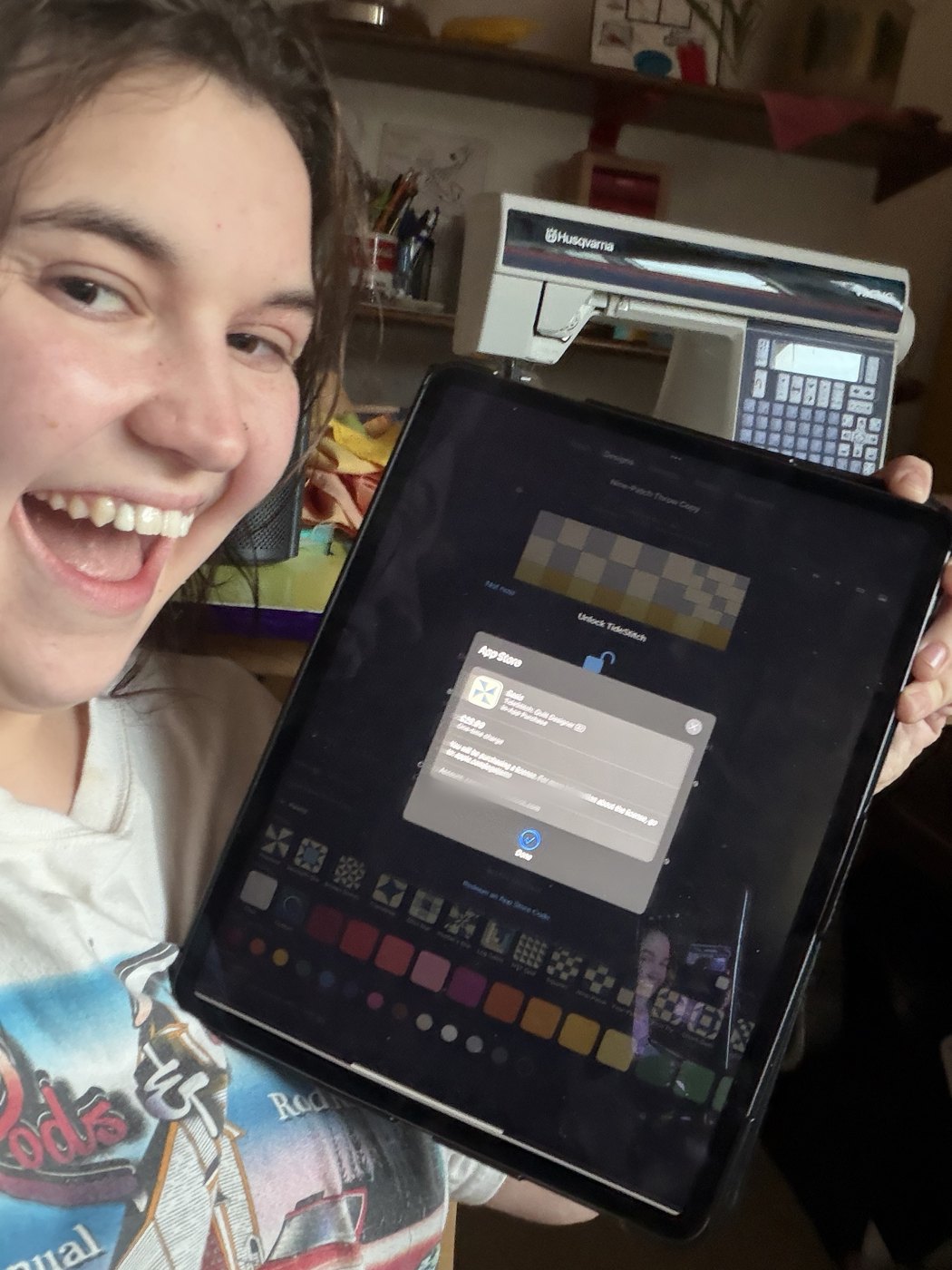
★★★★★4.9 on the App StoreFree to try$29.99 once, no subscription
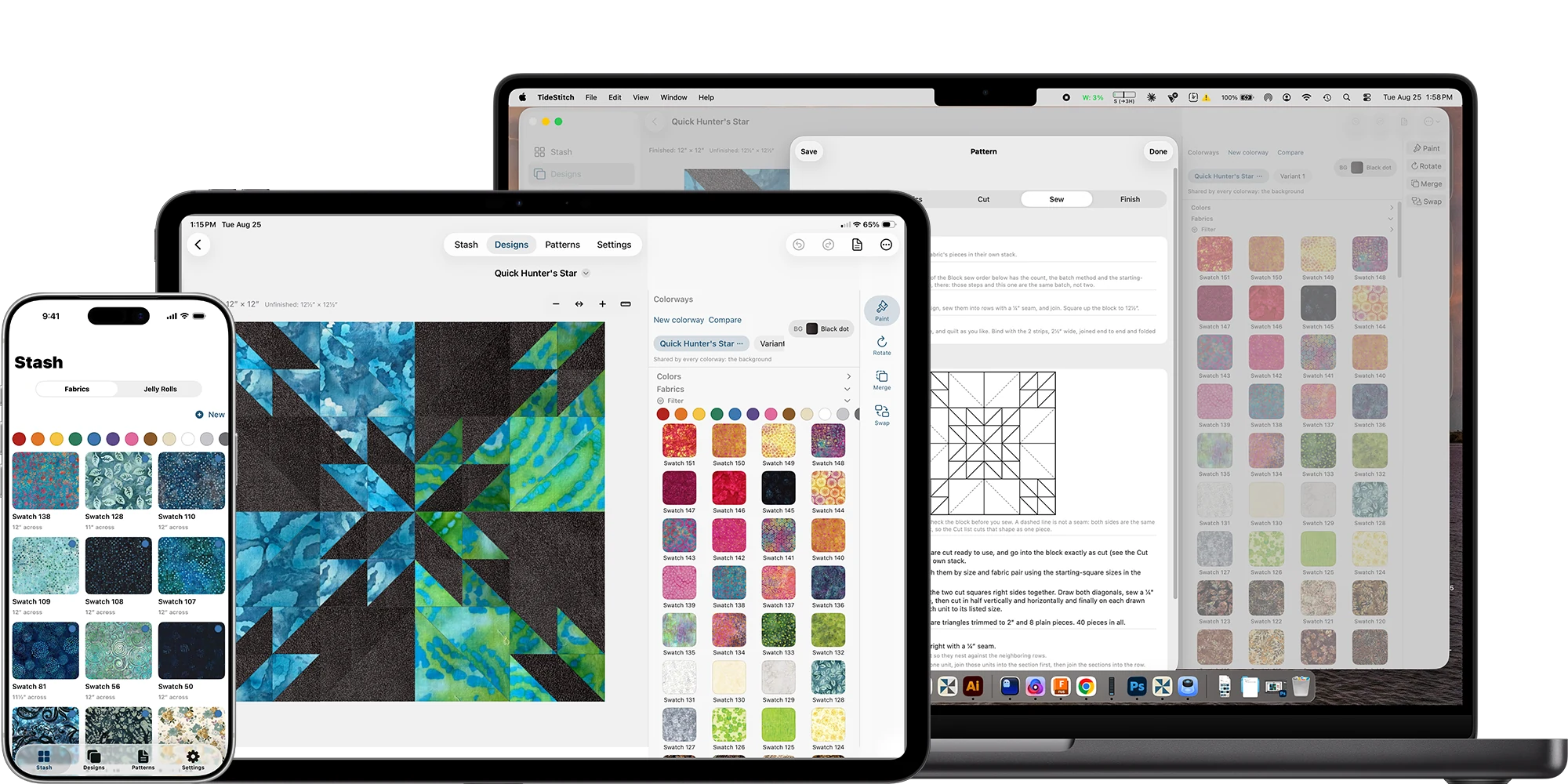
Your iPhone is the camera, your iPad is the studio, and your Mac is where it all lands. Everything syncs across all three over iCloud, so the swatch you photograph in the shop is already on the iPad by the time you sit down.
Short and real on TikTok, longer walkthroughs on YouTube. New clips most weeks, and a running #tidestitchtips series.
Take a photo of a fabric with the phone already in your pocket, tell TideStitch how wide the print really is, and tag it by color, material, and print style. Jelly rolls get their own shelf.
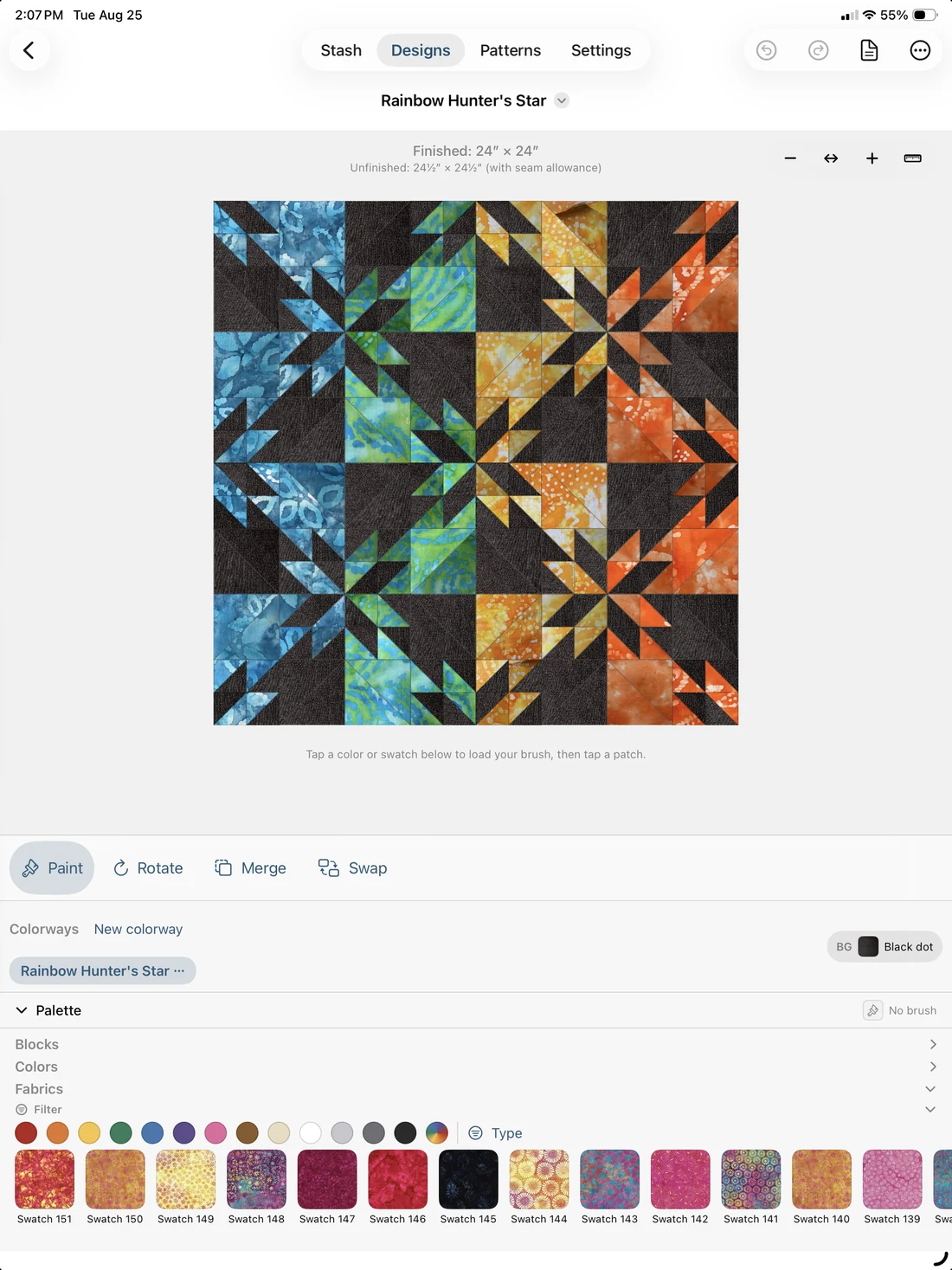
Tap a fabric, drag across a run of patches, and every swatch tiles at its real physical size, so a 6″ print in a 12″ block repeats exactly the way it will in cloth. Build outward with sashing, nested borders, and corner blocks while the finished measurements update.
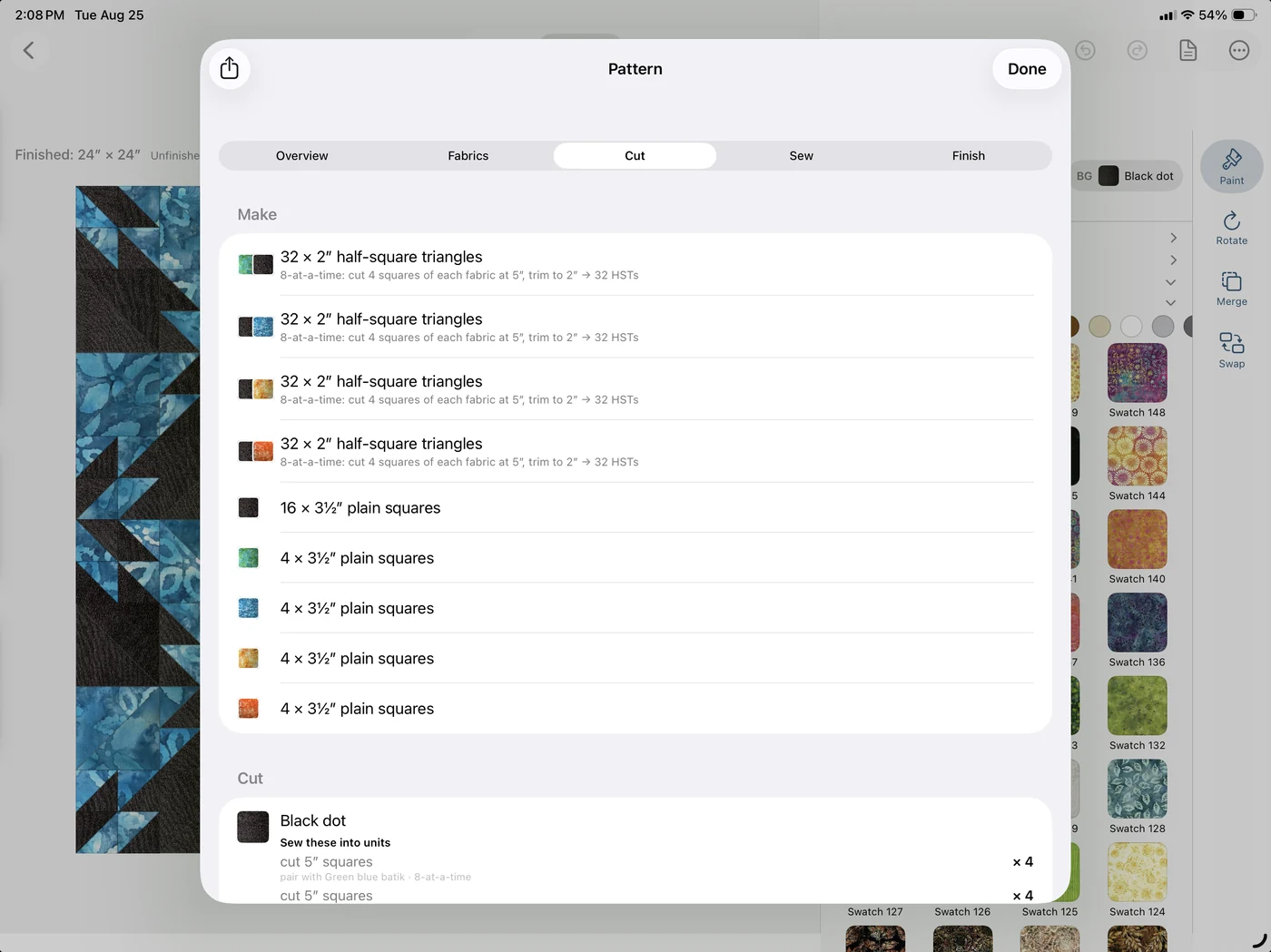
How many of every piece and what size to cut them, yardage per fabric, numbered sewing steps, and half-square triangles batched 2, 4, or 8 at a time. All of it as a PDF, to print or to keep open on the iPad next to the machine.
Every size in TideStitch is the finished size. Set your seam allowance once (¼″, a scant ¼″, metric, or your own) and TideStitch shows the squared-up and cut sizes on top of it. Measurements land on eighths, so they land on a real ruler. Every block is generated geometrically and verified to tile its square exactly. The same math runs the free quilting calculators on this site, no app required.
“I have my pattern, fabrics, and dimensions all figured out in an afternoon instead of weeks! If you’re a quilter, you have to have this app!”
“I love seeing a close proximity of my quilt before I cut even one piece. The developer on this app is exceptionally responsive to feedback. New blocks and features are always being added.”
“Today I made 6 different color versions of a quilt pattern I’m working on using the Design Your Own feature. This app makes it easy to create a layout and decide on your color pattern.”
“This app can design anything from a beginner 9-block work of art to a Picasso masterpiece. The developer is constantly improving the app.”
Pinwheel, Sawtooth Star, Ohio Star, Friendship Star, Broken Dishes, Hunter’s Star, Log Cabin, Nine-Patch, Four-Patch, Shoo Fly, Churn Dash, Jacob’s Ladder, Bear Paw, Anvil, Birds in the Air, Flying Dutchman, and more. Every one is generated geometrically and verified to tile its square exactly, so the seams meet where they are supposed to and the cut sizes come out right.
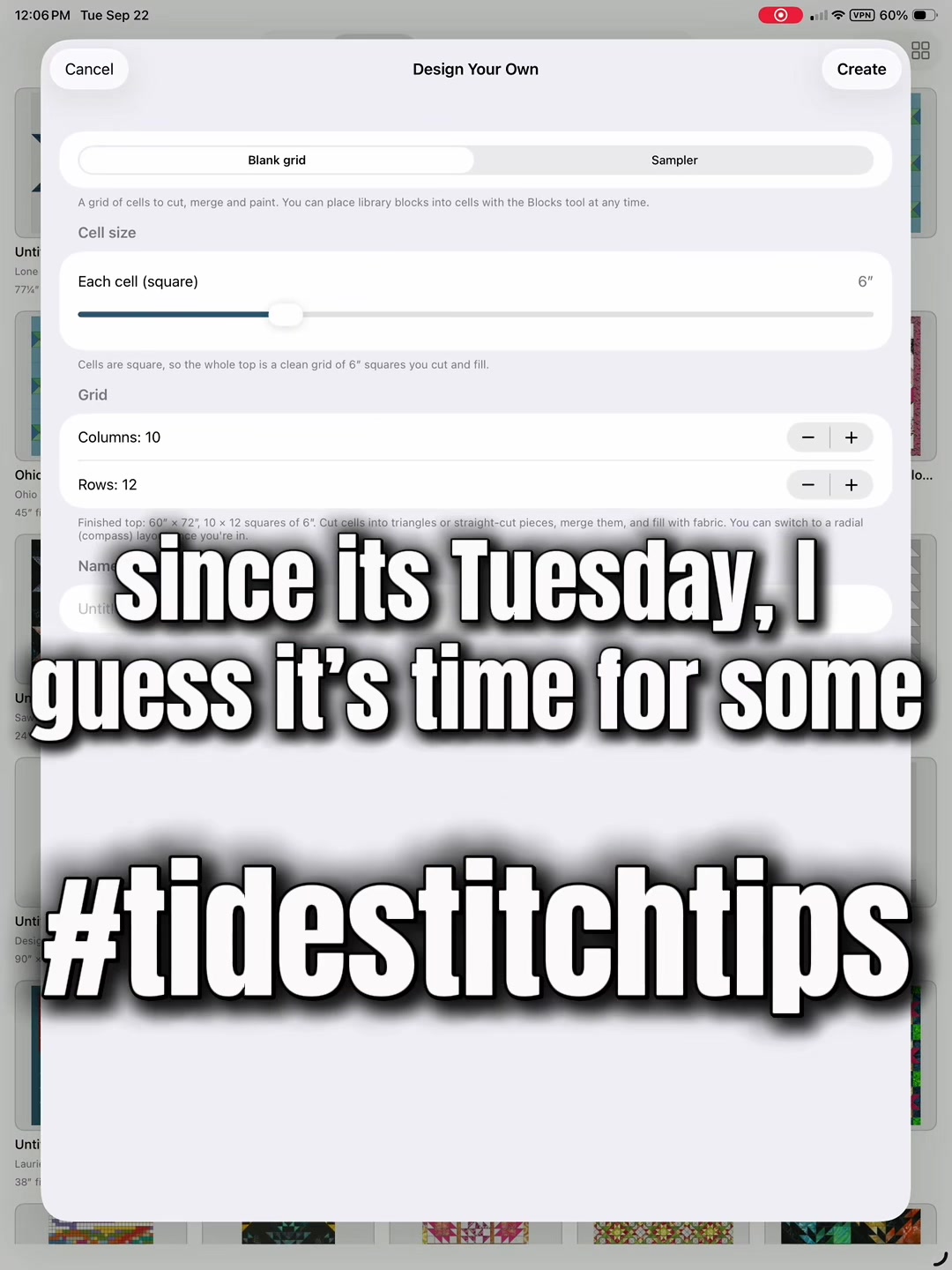
No block required, either: Design Your Own starts you from a blank top, and Make Pattern works there too, so a top you invented still leaves with a cut list.
See the whole library in the manual →A full block designer for iPad and Mac. Split cells on the diagonal, slide a cut sideways, merge patches into bigger shapes, or fan rays out from a compass point. It won’t let you draw a block you can’t make: anything that won’t come off a ruler turns red before you commit to it.
Flip a block to foundation paper piecing and the rules open up. TideStitch numbers the sections and hands you the printable foundation to sew, instead of a cut list.
Read the Studio guide →And the honest version, because I’d rather you hear it from me: everyone who installed while TideStitch was free keeps the app as it was then, unlimited, for good. That was the deal, and I’m not the kind of person who moves the goalposts after. Your fabric photos and your designs never touch a server I own; they live on your device and in your own iCloud, with no account, no ads, and no tracking. Questions, bugs, or feature ideas: ask me on the support page. Privacy